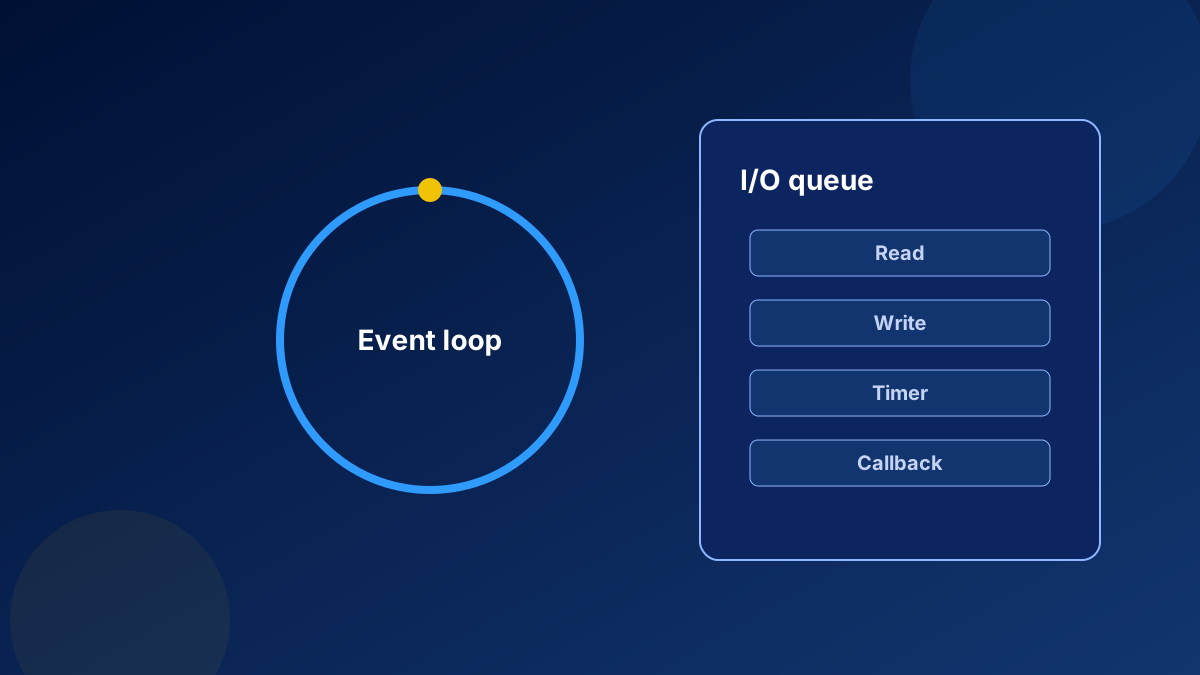
The previous title of this note promised scaling to millions of requests. That number was not a measurement. Node.js’ own documentation explains a more useful fact: JavaScript execution in Node.js is single-threaded, and concurrency comes from the event loop continuing while non-JavaScript I/O proceeds. Blocking, in Node’s terms, means further JavaScript must wait. CPU-intensive JavaScript is a different problem. It is not what the project means by a blocking I/O call, but it still stops the event loop from servicing other requests. Overview of Blocking vs Non-Blocking
What the official example shows
Node’s guide contrasts fs.readFileSync, which stops additional JavaScript until the read finishes, with fs.readFile, which schedules the read and lets later JavaScript run before the callback. It then uses an illustration, not a benchmark of any particular server: if a request takes 50 milliseconds and 45 milliseconds of that is database I/O that can be asynchronous, non-blocking calls free that time for other requests. The same page warns against mixing the two styles. A synchronous delete that races an asynchronous read can remove the file before it is read.
What this does not imply
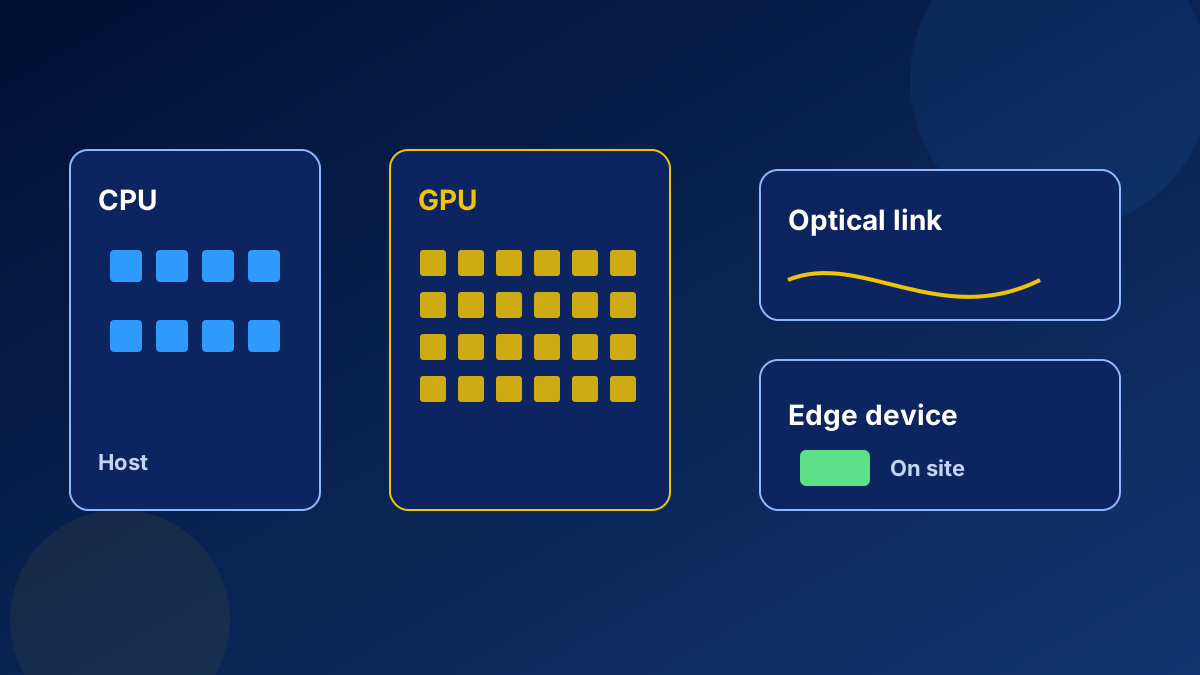
Non-blocking I/O does not make a process safe to run untrusted model output, and it does not make a service infinitely scalable. A JSON parse of a huge payload, a synchronous crypto operation, or a tight loop still occupies the thread. When the work is CPU-bound, the documented model says the event loop cannot overlap that JavaScript with other JavaScript. The remedies are outside this one page: smaller tasks, a separate process, or a different runtime for the heavy computation. A GPU does not make Node itself faster. If inference is the heavy part, call a model server that is built for it, and keep the Node process on I/O and request handling. See accelerated computing.
For delivery, treat the event loop as an operational constraint. Timeouts, backpressure, and a limit on concurrent downstream calls belong in the service. Observability should show event-loop delay, not only request rate. OpenTelemetry can carry those signals to whatever backend the team runs. OpenTelemetry